Writing an Email
Communication & Technology Skills
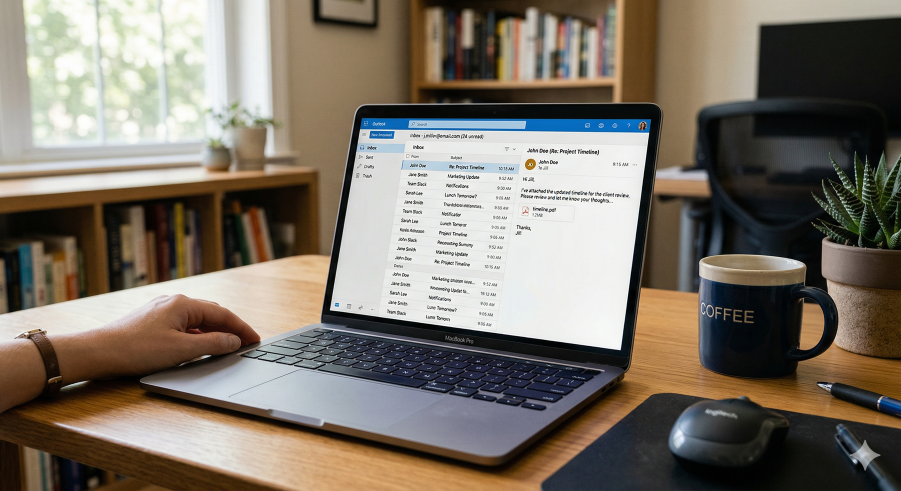
Parts of an Email
Emails have a specific structure. Here is what each box means:
1. To:
The exact email address of the person you are writing to (e.g., friend@email.com). If you make a mistake, they won't get it!
2. CC (Carbon Copy):
Use this to send a copy of the email to someone else who needs to see the information, but doesn't need to reply.
3. Subject (Object):
A short title or summary of your message (e.g., "Homework help!" or "Weekend plans"). Don't leave this blank!
4. The Body:
This is your message. It should include:
• A greeting: "Hi Alex," or "Dear Sir,"
• The message: Keep it clear and polite.
• A closing: "Best regards," or "See you soon," followed by your name.
• A greeting: "Hi Alex," or "Dear Sir,"
• The message: Keep it clear and polite.
• A closing: "Best regards," or "See you soon," followed by your name.
5. Attachments
Click the paperclip icon to send files, pictures, or documents with your email.
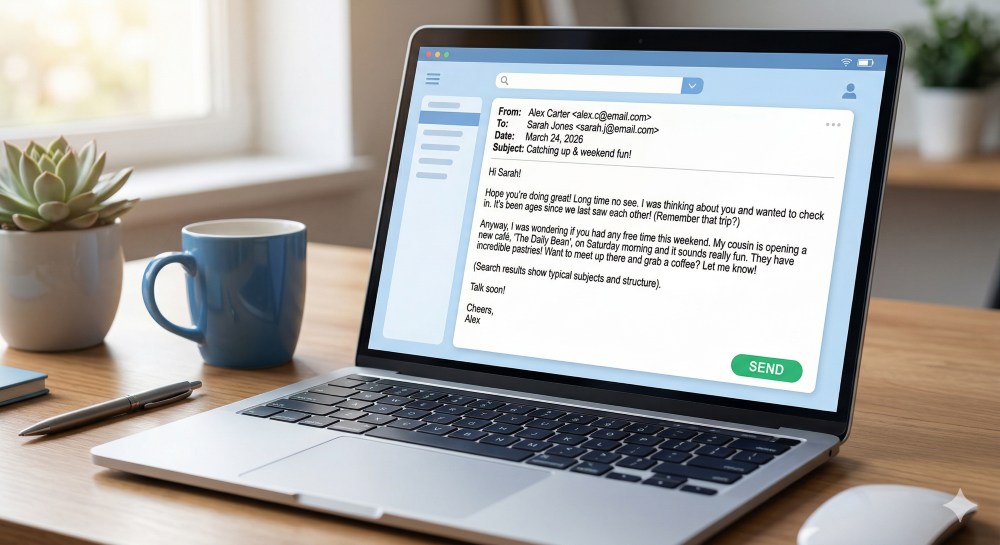
Task: Your friend Alex sent you an email asking about your plans for the weekend. Write a reply to alex@mail.com!
(Don't forget to include a subject, a greeting, and click the attach button to share a fake photo!)
(Don't forget to include a subject, a greeting, and click the attach button to share a fake photo!)
New Message
To:
Cc:
Subject: